Pre-requisites
- SuperOffice administrator account with access to user admin.
- You have created the Microsoft Entra enterprise application.
Procedure
- Sign in to the SuperOffice Identity Manager.
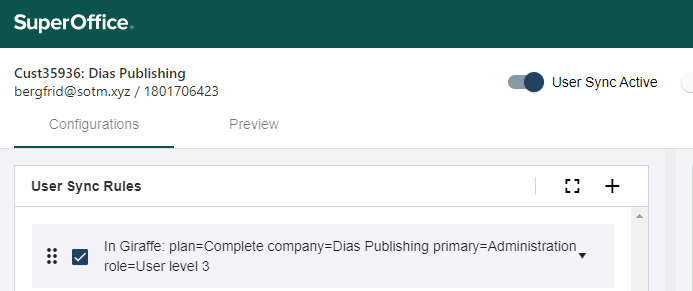
- Create SCIM rules to cover all users you want to appear in SuperOffice.
- Preview the result - either for 1 user or for all users.
- Rearrange or activate/deactivate rules if necessary.
-
Slide User sync active to on.